
Last updated November 2, 2026
 Wrought iron
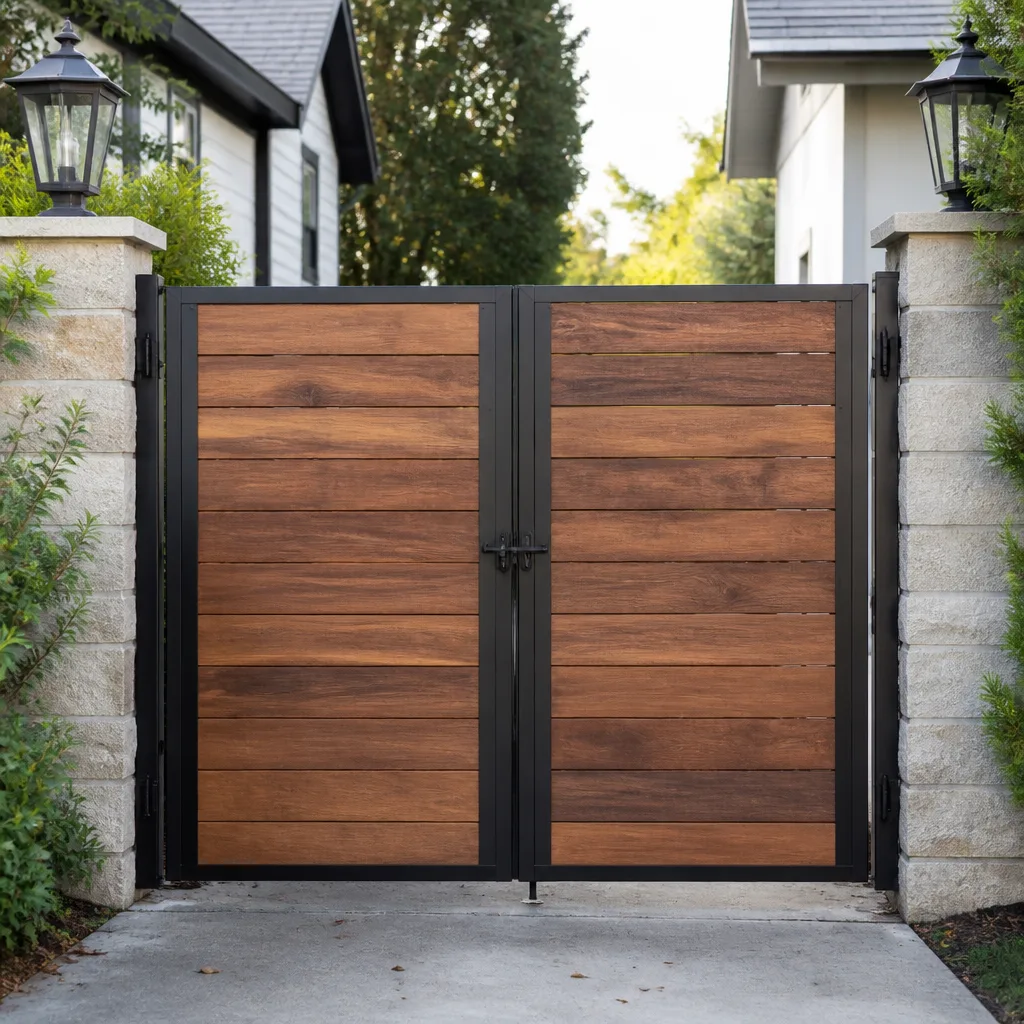 Wood & steel frame
 Farm & ranch
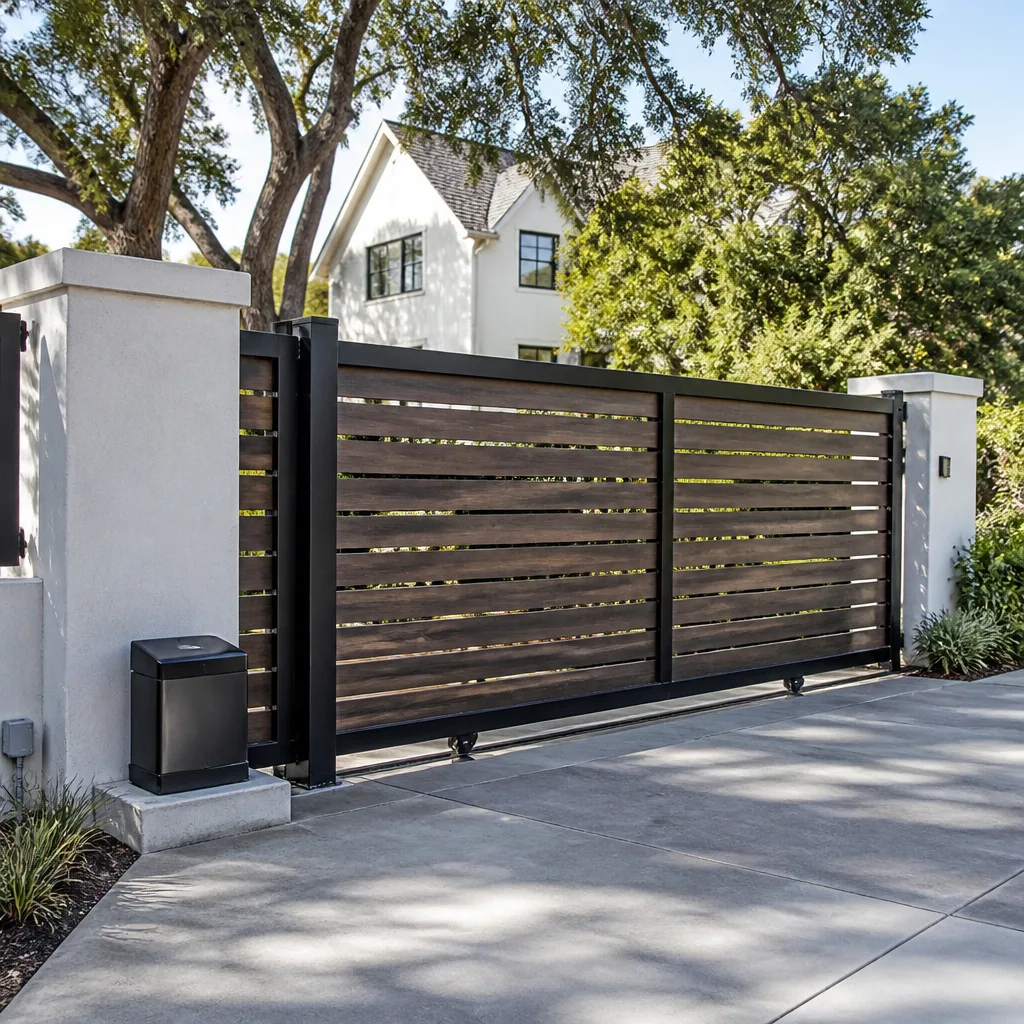 Sliding driveway gates
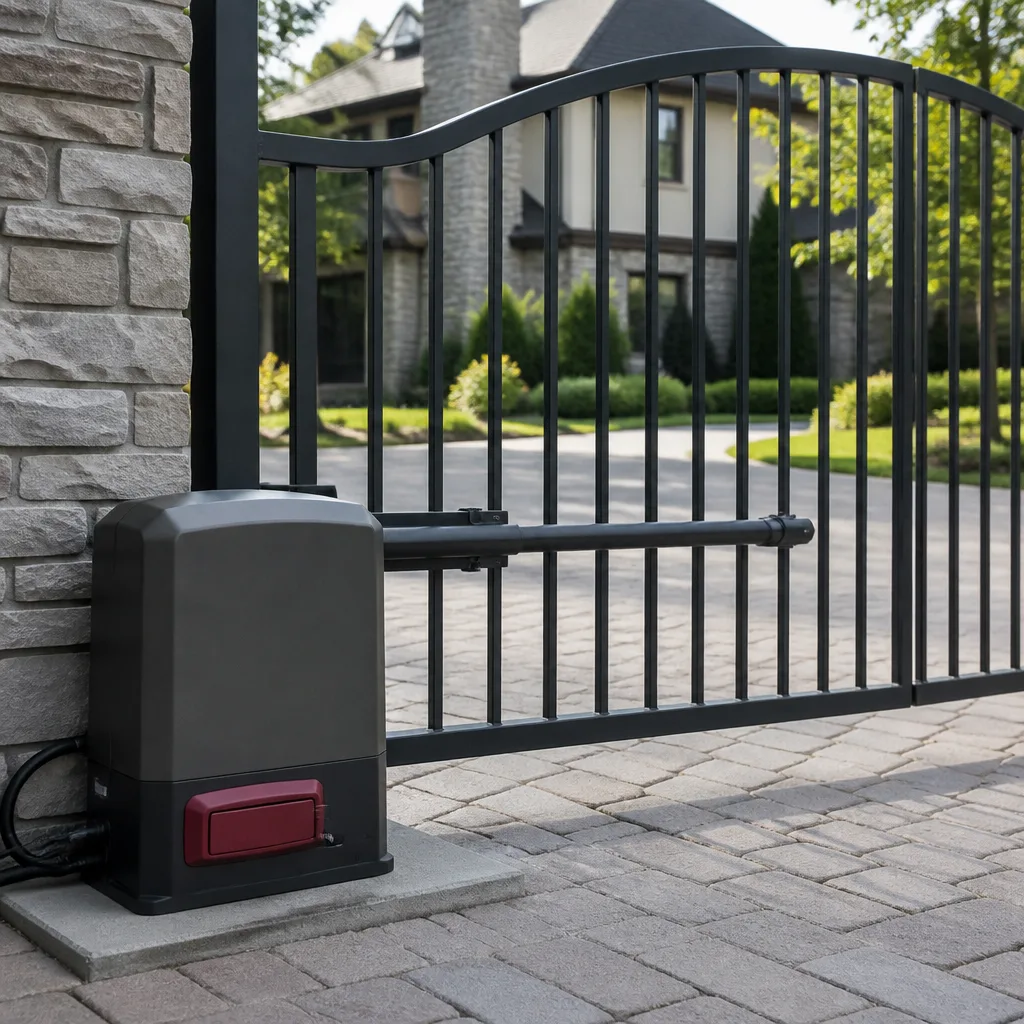 LiftMaster operators
Free on-site gate assessment - hinges, posts, and your LiftMaster or Nice gate operator checked before anything is quoted
The assessment is free and the quote is the invoice.
Get your free estimateGate Repair Troubleshooting: Common Problems and How to Fix Them
A gate that reverses immediately after opening isn’t broken. It’s telling you exactly what’s wrong. The problem is almost always a misaligned limit switch or a loop detector seeing phantom vehicles, and confusing the two leads to a wasted service call. Most troubleshooting guides stop at “check the power” and leave you stranded. This one goes symptom-by-symptom through the actual fault codes, relay behaviors, and mechanical tells that reveal whether a problem lives in the operator board, the loop detector, the limit switch, or the mechanical drive itself. By the time you finish reading, you’ll be able to describe the problem to a gate technician in Hyde Park South with enough precision that they arrive with the right part on the first visit.
Quick Answer
Most electric gate failures trace to one of five culprits: a dead transformer, a misaligned limit switch, a loop detector that’s detecting phantom vehicles, a failing capacitor, or a control board that’s stopped sending voltage to the motor. You can diagnose many of these yourself with visual checks and by watching how the gate behaves when you press the button, but anything involving control board internals or high-voltage wiring should be left to a trained gate technician.
Styles & brands we work with
- Wrought iron
- Wood & steel frame
- Farm & ranch
- Sliding driveway gates
- LiftMaster operators
Table of Contents
- Symptom-to-Cause Matrix: What Your Gate Is Telling You
- Dead Transformer vs. Dead Control Board: How to Tell Without a Multimeter
- Loop Detector Troubleshooting: Phantom Vehicles and Buried Loops
- Remote and Keypad Failures vs. Operator Failures: Two Completely Different Fixes
- Safety Sensor Issues: Photo Eyes, Safety Edges, and Why They Override Everything
- Mechanical Drive Problems: Grinding, Jerking, and Sluggish Gates
- What You Can Safely Adjust Yourself vs. What Requires a Technician
- Common Mistakes to Avoid
- When to Call a Professional
- Frequently Asked Questions
Symptom-to-Cause Matrix: What Your Gate Is Telling You
Every symptom your gate exhibits narrows the diagnostic field. Here’s the breakdown we use on service calls across Hyde Park South, because it saves time and parts.
Gate Reverses Immediately After Opening
This is the most commonly misdiagnosed gate problem. A gate that starts opening then reverses direction mid-travel or right after reaching the open position is almost never a motor problem. It’s either a limit switch that’s set too aggressively, causing the operator to think the gate hit an obstruction, or a loop detector seeing phantom vehicles. On LiftMaster units, this often triggers a 1-flash error code, meaning the force threshold was exceeded. On FAAC systems, you’ll see an E2 or E5 code depending on the board revision. The fix is usually a limit adjustment or a loop detector sensitivity tweak, not a new operator.
Gate Won’t Open At All
Dead silence when you press the remote or keypad points to either a power supply failure or a control board that’s not receiving input signal. If the gate beeps but doesn’t move, you’ve got a different problem entirely, usually a seized capacitor or a motor that’s lost its start winding. On Viking operators, a beep with no movement typically indicates the board is receiving the command but the motor relay isn’t closing. On BFT units, the display screen will show a fault code rather than just beeping.
Gate Opens But Won’t Close
An open gate that refuses to close is almost always a safety device holding the circuit open. Photo eyes with misalignment, a safety edge that’s been triggered, or a loop detector that thinks a car is sitting on the pad will all prevent closure. This is by design, and it’s the one time you should be glad your gate won’t do what you’re asking, because it means the safety systems are working.
Gate Moves Slowly
A sluggish gate is usually a low-voltage condition at the motor or a failing capacitor on AC operators. On heavily used gates in Hyde Park South apartment complexes and commercial lots, we also see slow operation from worn gearboxes that have never been lubricated. If the gate moves slowly in both directions, suspect power delivery. If it’s slow in one direction only, suspect a mechanical bind or a failing limit switch.
Gate Beeps But Doesn’t Move
That beep is the control board acknowledging a command. The fact that nothing moves means the board is working but the output side has failed. This is usually one of three things: a blown motor capacitor, a failed motor relay on the board, or a seized gearbox that’s tripping the overload. On Ghost Controls and Mighty Mule units, this often follows a power surge that took out the capacitor.
The key to using this matrix effectively: write down exactly what the gate does, in what order, before you call a gate repair specialist in Hyde Park South. Sequence matters. A gate that beeps then hums is a different failure from a gate that beeps and stays silent.
Dead Transformer vs. Dead Control Board: How to Tell Without a Multimeter
When a gate goes completely dark, no lights, no beeps, no nothing, the two prime suspects are a dead transformer and a dead control board. Replacing the wrong one wastes money and doesn’t fix the gate. Here’s how to tell them apart using only visual and behavioral cues.
Visual Transformer Checks
- Look for physical damage. A transformer that’s failed often shows scorch marks, a swollen housing, or a cracked casing. Open the operator cover and look at the transformer directly. If it looks melted or smells burnt, that’s your culprit.
- Check for LED indicators. Most modern operators have a power LED on the control board. If the transformer is feeding the board, you’ll see at least a standby light. Total darkness usually means power isn’t reaching the board at all, which points to the transformer, the fuse, or the incoming line voltage.
- Look at the fuse. Many operators have an inline fuse between the transformer and the board. A blown fuse usually means something downstream shorted, which could be the board itself.
Behavioral Board Checks
- Watch for partial response. If the gate beeps when you press the remote but doesn’t move, the board is getting power and processing commands. The transformer is fine. The problem is on the output side of the board or in the motor circuit.
- Check for relay clicks. When you command the gate to open, listen for a mechanical click from the control board. That’s the motor relay engaging. If you hear the click but the gate doesn’t move, the board is trying to work, and the issue is the motor, capacitor, or wiring between them. If you hear no click, the board may be failing to close that relay.
- Observe the display or status lights. DoorKing and FAAC boards have diagnostic displays. A board that’s getting power but showing a fault code is alive and telling you what’s wrong. A board that’s dark while the transformer is warm is dead.
In our experience across Hyde Park South, transformer failures spike after summer brownouts and winter storms. If your gate went down during or immediately after a weather event, suspect the power supply first. If it failed on a normal day with no obvious cause, the board is more likely. Either way, a professional electric gate repair diagnostic is faster than guessing, because a technician can test the transformer output and board voltage in minutes.
Loop Detector Troubleshooting: Phantom Vehicles and Buried Loops
Loop detectors are the most misunderstood component in automatic gate systems. A loop detector is a buried wire loop in the driveway that senses the metal mass of a vehicle and holds the gate open or commands it to open. When they malfunction, they create two confusing scenarios: the gate opens for no reason, or the gate refuses to close when it should.
False Detect vs. Dead Sensor
A false detect happens when the loop detector thinks a vehicle is present but nothing is there. The gate stays open, or it opens randomly throughout the day. A dead sensor means the loop detector has stopped responding altogether, and the gate won’t open automatically for vehicles approaching from the driveway side.
Here’s how to tell which one you have:
- False detect: The gate opens when no car is present. This often gets worse after rain, which changes the soil conductivity around the buried loop. On the detector box, the detect LED stays lit constantly. This is a sensitivity setting issue in most cases, not a dead loop.
- Dead sensor: The gate responds to the remote and keypad but never opens automatically when a car approaches. The detect LED never lights. This is usually a broken wire in the loop itself, often from driveway settling or recent landscaping work.
Why Repaving Kills Buried Loops
This is one we see regularly in Hyde Park South. A homeowner repaves their driveway or has concrete work done, and the gate starts behaving erratically. The reason is simple: the loop wire is buried shallow, typically 1 to 2 inches below the surface. Repaving equipment cuts the wire, or the new surface changes the detection field. If you’re planning driveway work, mark your loop locations first. If the loop is already severed, the fix is cutting a new groove and installing a replacement loop, not replacing the detector box.
Adjusting Sensitivity Without Making It Worse
On most loop detector modules, there’s a sensitivity dial or button. If you’re getting false detections, you can try reducing sensitivity one step at a time. But be careful: set it too low, and the detector won’t reliably sense smaller vehicles like motorcycles. If one adjustment doesn’t solve it, stop. Loop frequency and crosstalk between adjacent loops require a technician with the right tools. And remember: loop detectors hold safety-critical functions on many systems. A gate that closes on a car because you disabled the loop is a liability, not a repair.
Remote and Keypad Failures vs. Operator Failures: Two Completely Different Fixes
The most common phone call we get at Gate Repair Hyde Park South starts with “my gate stopped working.” The first question we ask: does the gate respond to anything? The answer determines which of two entirely separate systems has failed.
If the Gate Responds to One Input But Not Another
Your gate has multiple input paths: the handheld remote, the keypad, the hardwired button inside the house, and the loop detector. If the gate opens from the keypad but not the remote, the operator is fine. The problem is the remote transmitter, its battery, or its programming. If the gate opens from the remote but not the keypad, the keypad is dead or its code has been lost. This is an access control issue, not an operator issue, and the fix is programming or replacing the input device.
If the Gate Responds to Nothing
When no input triggers the gate, no remote, no keypad, no button, you’re looking at either a power failure or a control board that’s not receiving input signals. This is an operator problem. The input devices are probably fine. Replacing remotes or reprogramming the keypad won’t do anything because the receiver in the operator isn’t processing the signal.
The Specific Failure Points
- Remote battery: The single most common cause of “my remote stopped working.” Replace the battery before calling anyone. On LiftMaster and Linear remotes, a weak battery often still lights the LED on the remote, fooling people into thinking the remote is transmitting.
- Remote programming loss: Power surges can wipe remote codes from the operator’s receiver. Every remote stops working at once. Reprogramming takes five minutes if you have the instructions and a working learn button.
- Keypad code loss: Many keypads lose their programming when their internal battery dies or after a long power outage. Re-enter the code and test.
- Intercom and phone-entry systems: On commercial gates in Hyde Park South, the call box connects to a separate control relay. If residents can’t buzz the gate open from their phones but the gate works from the keypad, the call box relay or its wiring has failed, not the gate operator.
The takeaway: isolate which inputs work before calling for repair. If even one input opens the gate, the operator and motor are likely fine, and you’re dealing with an access control problem. A technician who starts by testing inputs rather than selling you a new board is doing the job right.
Safety Sensor Issues: Photo Eyes, Safety Edges, and Why They Override Everything
Safety devices on automatic gates are wired in series with the motor control circuit. That means a single triggered safety device prevents the gate from moving at all, even when the operator, motor, and board are all working perfectly. This is intentional and required by code. A gate that won’t close is often a gate doing exactly what it was designed to do.
Photo Eye Misalignment
Photo eyes are the small sensors mounted on the gate posts or walls on either side of the gate opening. They project an invisible beam across the opening. If anything breaks that beam while the gate is closing, the gate stops and reverses. Misalignment happens when a gate post shifts, a vehicle bumps a sensor housing, or wind moves an unsecured mount. On many systems, a misaligned photo eye produces the same symptom as a vehicle in the path: the gate will open but refuse to close, or it closes halfway and reverses.
You can visually check alignment by looking for the small indicator LED on each photo eye. Most show a steady light when aligned and a blinking light when the beam is broken or misaligned. If your gate won’t close and one of the photo eye LEDs is blinking, realign the sensor first. This is a safe, simple adjustment that doesn’t require tools beyond a screwdriver.
Safety Edge Triggers
Safety edges are the pressure-sensitive strips mounted on the leading edge of the gate leaf. If the gate hits something while closing, the edge compresses and sends a stop-and-reverse signal. When a safety edge wears out or gets water inside its housing, it can trigger continuously, preventing the gate from closing even when nothing is in the path. On Viking and Elite operators, a constantly triggered safety edge usually shows a fault code on the board display.
The Danger Zone Warning
Here’s the thing we tell every customer in Hyde Park South: do not bypass a safety device to force your gate closed. The photo eyes and safety edges exist to prevent your gate from crushing a person, pet, or vehicle. Jumping out a safety circuit or taping over a triggered sensor creates a gate that can close on someone, and that’s a serious injury liability. If you’ve confirmed the safety devices are triggered and realigning or replacing the sensor doesn’t resolve it, call a technician who understands the safety circuit logic on your specific operator. This is not a DIY repair, and no legitimate gate company will tell you otherwise.
Mechanical Drive Problems: Grinding, Jerking, and Sluggish Gates
Mechanical failures are the easiest to diagnose by sound and the most dangerous to ignore. A gate that grinds, jerks, or shudders is telling you that something in the drive train is wearing out, and continued use makes the eventual repair more expensive.
Grinding Noises
A grinding sound while the gate moves usually means metal-on-metal contact where there should be lubrication or clearance. On hydraulic operators like FAAC and BFT, this can indicate low hydraulic fluid or a failing pump. On electromechanical operators like LiftMaster and DoorKing, a grind typically points to worn gears, a dry chain, or a failing bearing. If you hear grinding, stop using the gate and get it inspected. Running a gate with a dry gearbox scores the gear teeth and turns a fifty-dollar lube service into a five-hundred-dollar gear replacement.
Jerking Movement
A gate that jerks, stutters, or moves in fits and starts has a mechanical bind. Common causes include: a wheel that’s come off its track, a hinge that’s seized on a swing gate, a bent rack on a sliding gate, or debris jammed in the track. On cantilever sliding gates, a jerking motion often means the gate is out of level and the rollers are binding. On rack-and-pinion drives, a jerky gate can be a stripped section of rack, which causes the pinion gear to skip.
In Hyde Park South, we see a seasonal pattern with mechanical binds. Gates that run smoothly all summer tighten up on cold winter mornings because metal contracts and tolerances shrink. If your gate only jerks when it’s cold, the issue may be a marginal clearance that’s just barely adequate when it’s warm.
Sluggish Movement
A slow gate that’s always been slow may just be a low-duty-cycle operator on a heavy gate. But a gate that used to move at normal speed and has gradually slowed down has a real problem. On AC operators, the most common cause of sudden sluggishness is a failing capacitor. A capacitor gives the motor its starting torque. When it starts to fail, the motor strains and runs slow. Continued use overheats the motor and can burn out the windings. Replacing a capacitor is inexpensive compared to replacing a motor, so don’t wait.
What You Can Safely Adjust Yourself vs. What Requires a Technician
This is where most troubleshooting guides fail. They either tell you to call a professional for everything, which isn’t helpful, or they walk you through repairs that require touching high-voltage wiring or working around a gate that could move unexpectedly. Here’s the honest breakdown.
Safe Homeowner Adjustments
- Remote battery replacement. No risk, no tools, five minutes.
- Photo eye realignment. Loosen the sensor mount, adjust until the indicator LED goes solid, retighten. Low risk.
- Travel limit adjustment on newer LiftMaster units. Most LiftMaster operators made in the last decade have a simple limit adjustment procedure using the buttons on the control board. If your gate stops short of fully open or fully closed, this is likely the fix. Consult your specific model’s manual for the button sequence.
- Keypad code re-entry. If your keypad has power but isn’t accepting your code, resetting and re-entering your code is straightforward.
- Draining and cleaning the track on sliding gates. Debris in the track causes binding and grinding. Cleaning it out is safe as long as you don’t reach into the path of a moving gate.
Leave These to a Technician
- Control board replacement or relay work. Boards handle line voltage and control logic. A wrong wiring connection can destroy the board or create a shock hazard.
- Rack-and-pinion weld repairs. Welding on a gate requires proper alignment, penetration, and re-surfacing. A bad weld on a rack section creates a recurring failure point.
- Loop detector installation or replacement. Cutting into a driveway for a new loop requires specialized saws and proper depth control. The detector also needs frequency tuning against adjacent loops.
- Safety device bypass or removal. Never. Full stop. A technician who suggests bypassing your photo eyes or safety edge permanently is not protecting you.
- Hydraulic operator service. FAAC and BFT hydraulic systems operate under pressure. Fluid leaks, pump failures, and seal replacements require proper equipment and disposal procedures.
If you’re in Hyde Park South and you’re not sure whether a repair falls into the safe or unsafe category, call before you touch anything. We’d rather spend five minutes on the phone telling you it’s a simple fix than send a tech out for something you could have done yourself, but we’d also rather prevent you from doing something dangerous.
Common Mistakes to Avoid
- Replacing the remote when the keypad is the problem. The remote transmitter and the keypad are separate input devices. If one works and the other doesn’t, replacing the working one is waste. Test all inputs before buying anything.
- Assuming a reversing gate needs a new motor. Reversing is almost always a safety device or limit switch issue. Motors that fail don’t reverse; they stop working entirely or move with a burnt smell. A new motor won’t fix a misaligned photo eye.
- Pouring lubricant everywhere as a fix. Too much lubricant attracts dirt and accelerates wear. Lubricate specific points, like hinges and roller bearings, with the right product, and keep grease away from the loop detector and safety edges.
- Overlapping the loop and the keypad as a single problem. A gate that opens automatically but won’t respond to the keypad has two separate systems involved. Treating them as one failure leads to replacing working components.
- Raising the force setting to mask a mechanical bind. On many operators, you can increase the force threshold that triggers an obstruction stop. Raising it to push through a bind is how gates end up crushing things. Fix the bind, not the safety setting.
- Ignoring a slow gate because “it still works.” Slow operation means something is working harder than it should. The longer that continues, the more expensive the eventual failure. A sluggish gate in winter is a warning, not a personality trait.
- Resetting fault codes without addressing the cause. Clearing a fault code on a FAAC or BFT board without fixing the underlying issue just means the gate will fail again, usually at the worst possible time. Read the code, fix the cause, then clear it.
When to Call a Professional
You should call a gate technician when: the gate is completely unresponsive to all inputs after you’ve confirmed power is reaching the outlet, you hear grinding or see visible damage to the track, rack, or hinges, the gate is reversing unpredictably and photo eye realignment didn’t fix it, you suspect a loop detector failure, or any safety device is faulting and you can’t resolve it. These are situations where continued DIY attempts waste time and risk making the problem worse. Gate Repair Hyde Park South offers free estimates in Hyde Park South, call (877) 752-8839, and we’ll walk through the symptoms with you before scheduling a visit. A good phone diagnosis often saves a service call entirely.
Frequently Asked Questions
A gate that reverses immediately after opening is almost always seeing a false obstruction signal from a misaligned limit switch or a loop detector detecting phantom vehicles. On LiftMaster operators, this triggers a one-flash error code. Check photo eye alignment first, then have the limit settings and loop sensitivity checked if realignment doesn’t resolve it.
Cost depends entirely on the cause. A dead remote battery costs nothing to fix yourself. A capacitor replacement typically runs $80 to $200 with labor. A control board replacement can run $300 to $800 depending on your operator brand. The phone diagnosis is free, call (877) 752-8839 and we’ll help you narrow it down before you spend anything.
Gate Repair Hyde Park South schedules same-visit service across Hyde Park South for emergency gate failures where the gate is stuck open or stuck closed. A gate that’s stuck open is a security issue and we treat it as a priority. Call (877) 752-8839 with your symptom description and we’ll give you a realistic arrival window.
No. If the gate opens from the keypad, the operator, motor, and control board are all working. The problem is in the remote transmitter, its battery, or its programming. Replace the remote battery first, then reprogram the remote to the operator if needed, then replace the remote only if both fail.
A gate that opens on its own is usually responding to a loop detector false detect or an intermittent remote signal from a neighboring transmitter. Loop detectors can false-trigger after rain changes soil conductivity. On some operators, a failing receiver board can also trigger phantom opens. Start by noting what time of night it happens and whether it correlates with weather.
We work on all major gate brands including Linear, Viking, Ghost Controls, DoorKing, LiftMaster, FAAC, BFT, Elite, and Mighty Mule. We’re brand-matched technicians, meaning we use OEM parts for your specific operator rather than universal workarounds. If you’re not sure what brand you have, call (877) 752-8839 and the model plate inside the operator housing will tell us what we need to know.
The Bottom Line
A gate that misbehaves is sending you a signal. Reversing gates point to limit switches and loop detectors, not motors. Dead gates are usually transformer failures or control board issues. Slow gates are capacitor or binding problems. The trick is matching the symptom to the cause and knowing which adjustments are safe for a homeowner and which require a technician. In Hyde Park South, most gate problems can be diagnosed on the phone in five minutes if you can describe exactly what the gate does when you press the button. When you’re ready, call (877) 752-8839 for a free estimate, and we’ll bring the right part on the first visit.
Written by the team at Gate Repair Hyde Park South, serving Hyde Park South since 2015.
See the difference
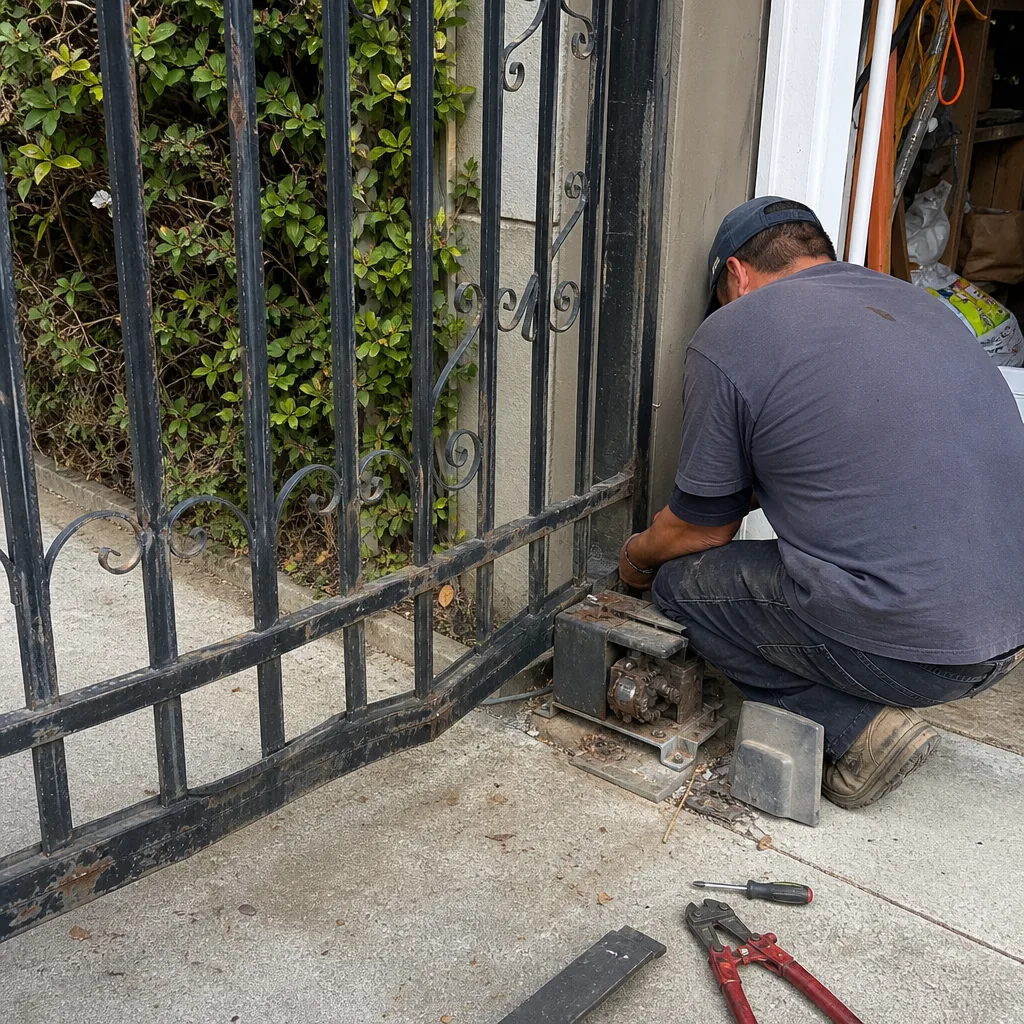 Before
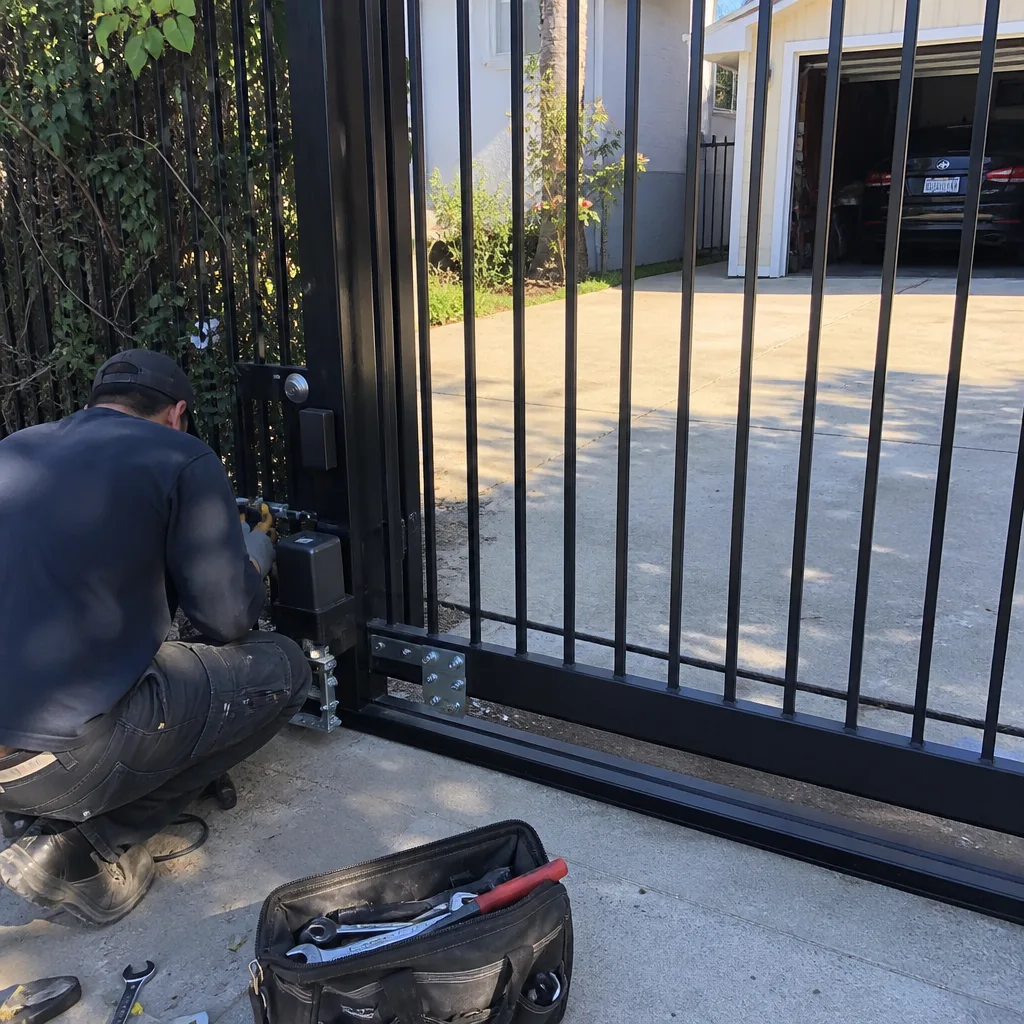 After
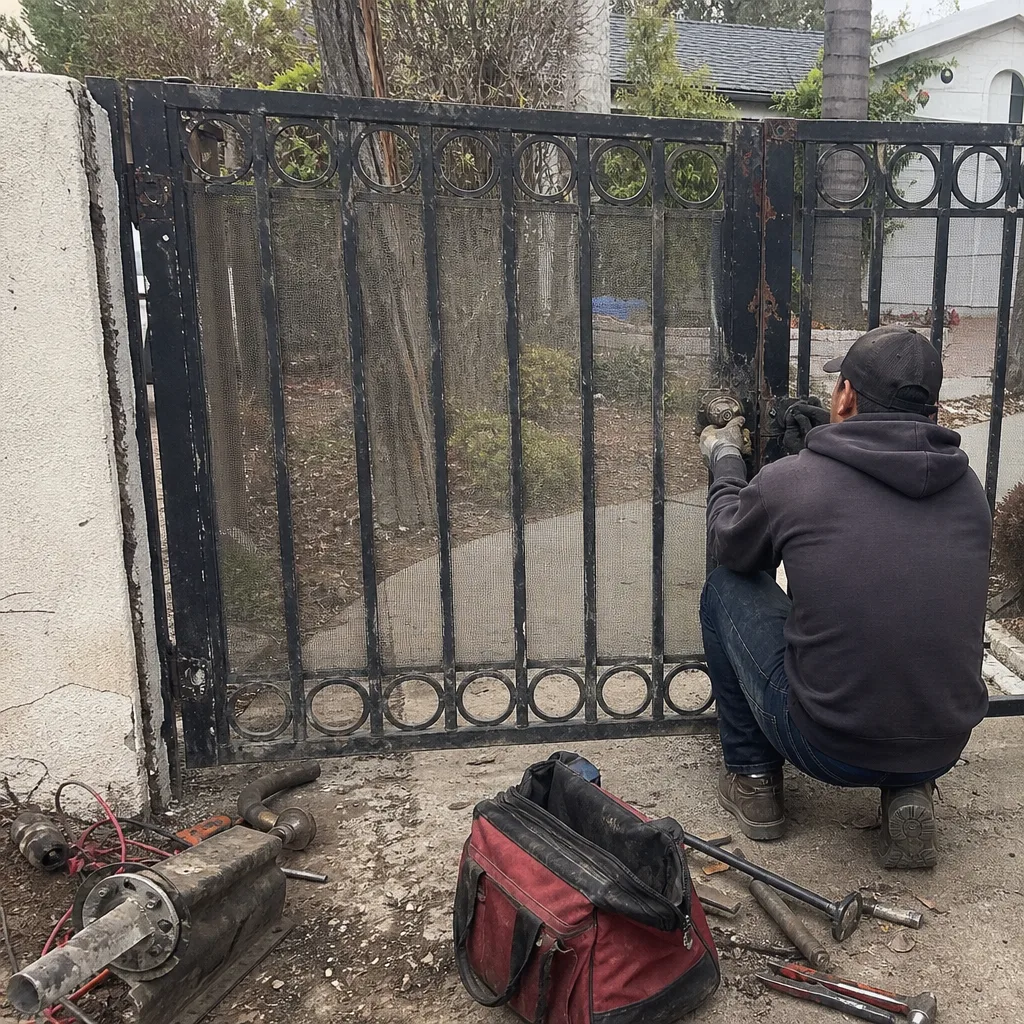 Before
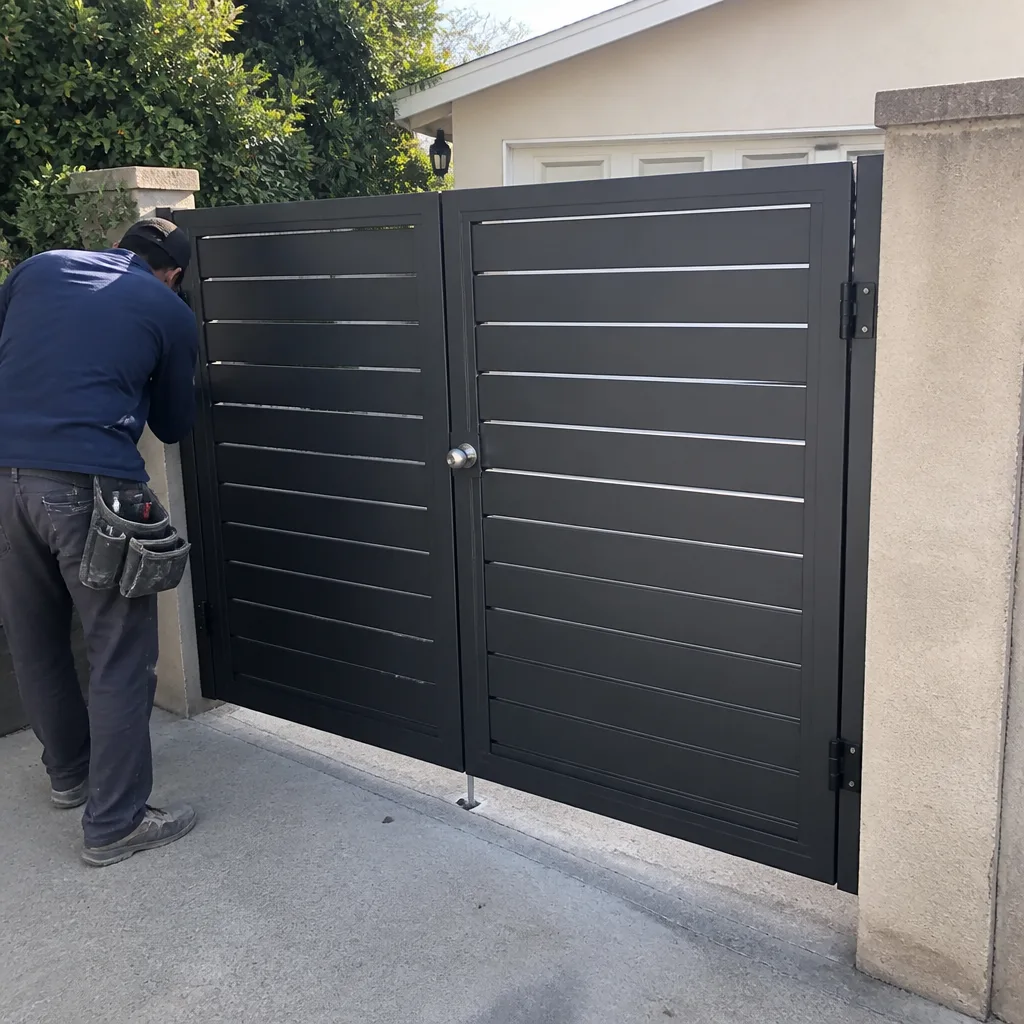 After
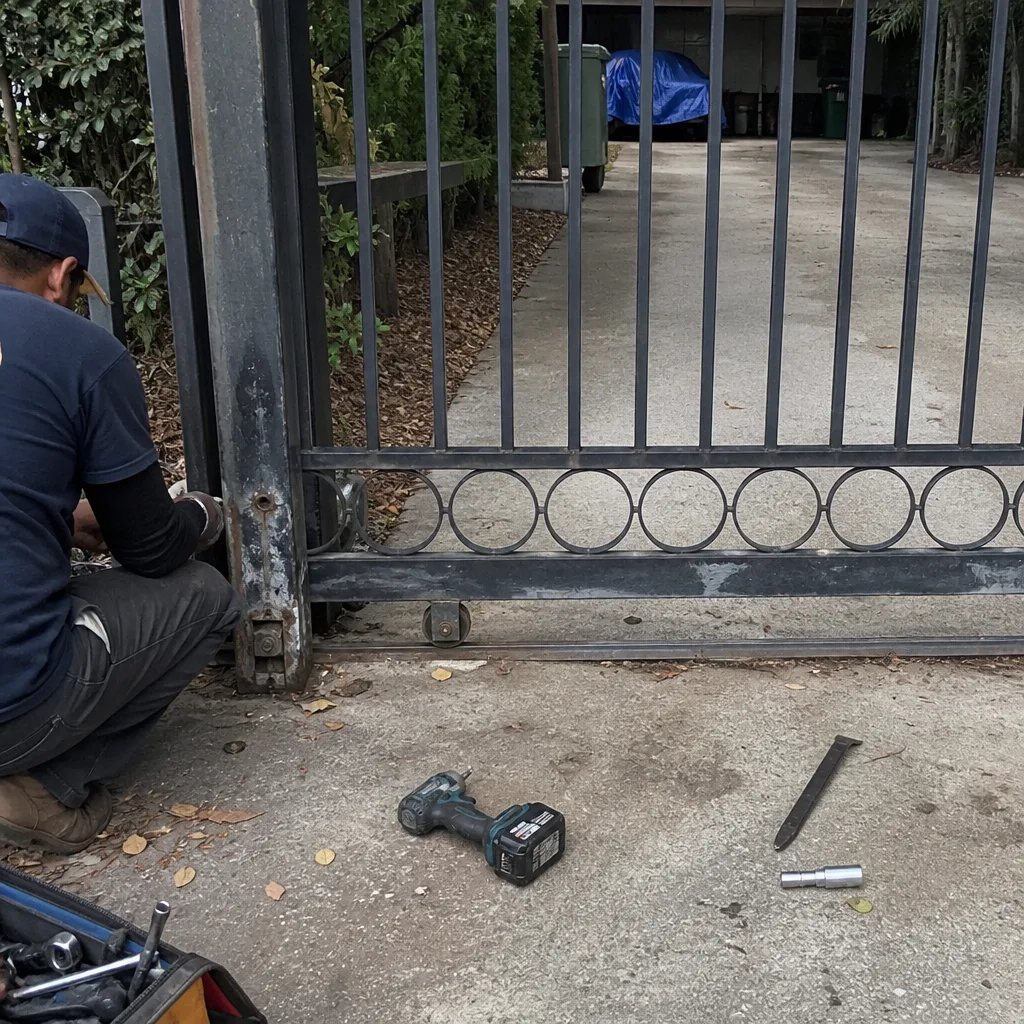 Before
 After