
DoorKing Gate Repair in Hyde Park South: A Homeowner’s Guide
DoorKing gate repair in Hyde Park South usually costs between $225 and $475 depending on whether the fault is in the telephone entry board, the relay, or the operator itself. Most DoorKing problems in this neighborhood are access-control failures, not mechanical breakdowns. The intercom stops talking to the keypad, the directory forgets residents, or a relay stops sending the open command to the motor. If you’d rather not spend a Saturday with a multimeter and a wiring diagram, call (877) 752-8839 and we’ll sort it out.
Why a DoorKing Is Not Just Another Gate Opener
Here’s the mistake most repair guides make. They treat a DoorKing the same as a LiftMaster or a Mighty Mule. It isn’t. Those are radio-frequency systems. A remote or a key fob sends a signal to a receiver, the receiver tells the motor to run, done. A DoorKing is a telephone-entry system. The resident directory lives on a circuit board inside the access controller. When someone pulls up and types a code on the keypad, the system checks the directory, then closes a relay that triggers the operator. When a visitor uses the call box, it actually dials a phone line (or, on newer models, routes through cellular or VoIP) to reach the resident, who presses 9 to open the gate.
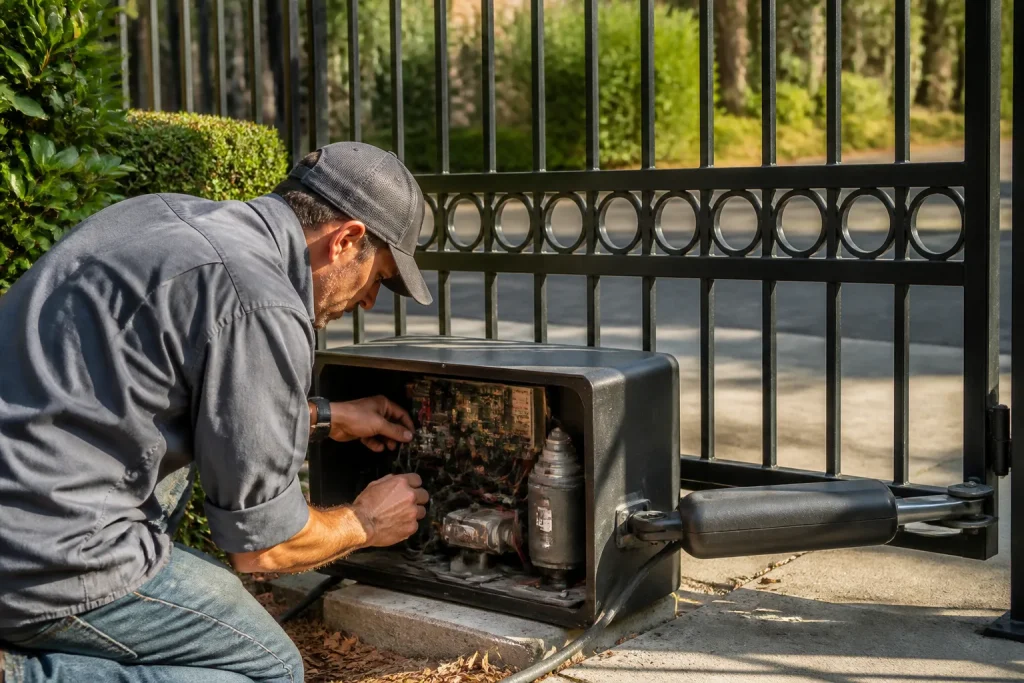
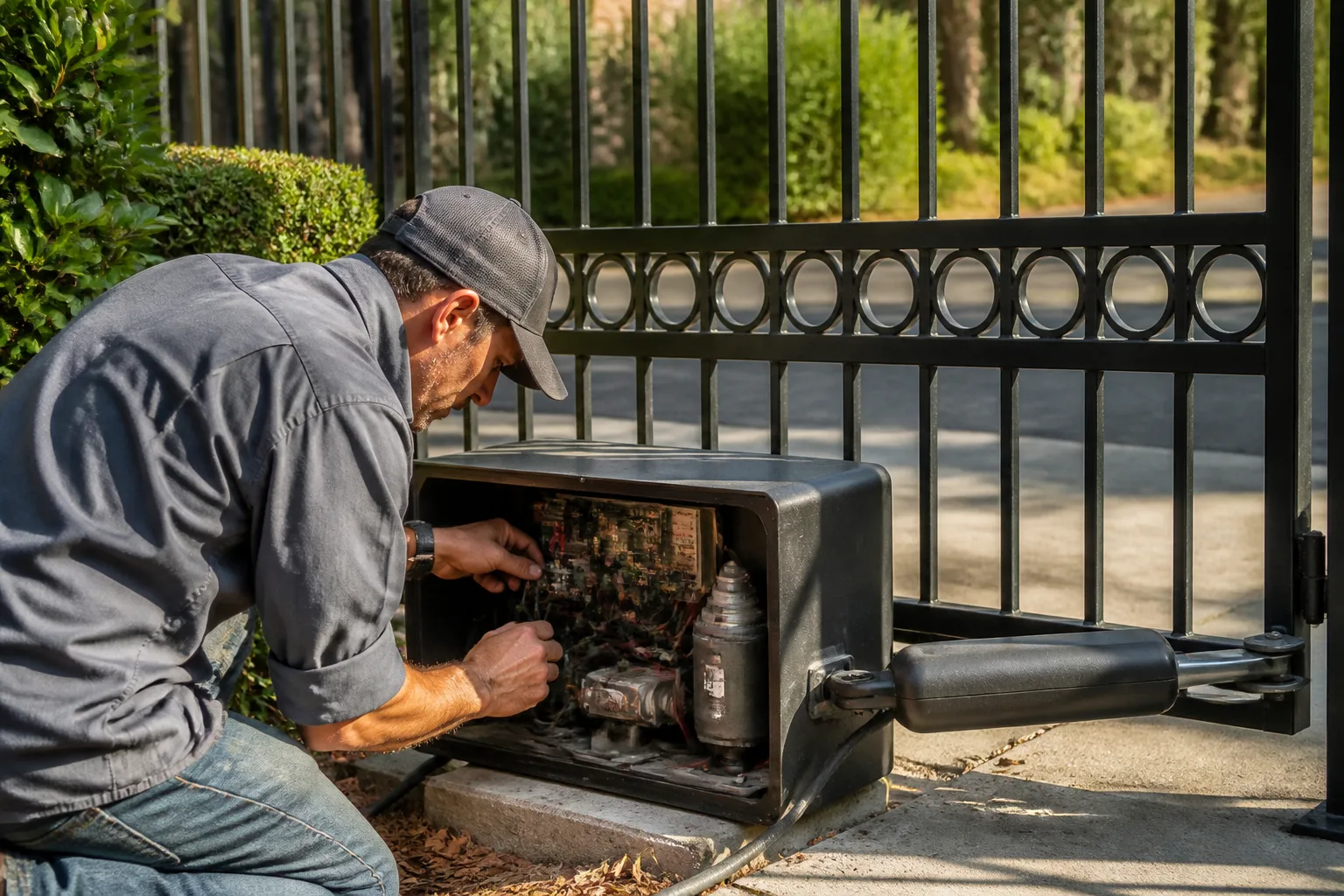
That architecture changes where you look first. In Hyde Park South, we get calls every month where the gate motor runs fine and the operator is healthy, but residents can’t get in because the phone line interface module died or the directory got corrupted. Homeowners and property managers swapping batteries in remotes are chasing the wrong system. A DoorKing failure is usually an access-system failure. Know that, and you save yourself a service call for the wrong trade entirely. You don’t want a general handyman tracing a RJ11 phone line. You want someone like our Gate Repair in Hyde Park South team who opens the DKS enclosure and knows exactly which board looks cooked.
The Three DoorKing Failures We See Most in Hyde Park South
Hyde Park South’s climate does specific damage to DoorKing equipment. It’s not just wear and tear. Coastal fog drifts inland, summer heat bakes the metal cabinets bolted to brick pillars, and the neighborhood’s older electrical panels deliver uneven power that DoorKing boards don’t appreciate. After working on these systems across the neighborhood, three failure modes show up again and again.
1. Corroded RJ11 terminals. The phone line jack inside the access controller oxidizes. The DoorKing still powers on, but calls from the call box never reach the resident’s phone, or they ring once and drop. If your visitors say the call box just beeps or stays silent while the gate works fine from a keypad code, suspect the RJ11 terminals. In Hyde Park South’s humid months, this is our number-one DoorKing repair.
2. Surge-damaged relay boards. The relay board is what actually sends voltage to the gate operator. When a surge rolls through the neighborhood grid (and it does, especially through the older lines around Crenshaw and Slauson), the relay contacts can weld or the board traces burn. The DoorKing display shows a code, but the gate doesn’t move. One of the jobs we ran over in the View Heights area last month had a relay that arced so hard the contact melted into the socket. The whole board had to come out.
3. Directory memory corruption after a power outage. DoorKing 1812 and 1835 units store the resident directory in onboard memory. A brownout or a brief outage can corrupt that data. Suddenly codes stop working, or the directory shows blank entries, or the call box dials the wrong apartment. Power-cycle it and the problem sometimes clears, but if it doesn’t, the system needs a re-flash or a new memory module. Properties with more than 30 units in the directory are the most vulnerable, simply because there’s more data to scramble.
If any of this sounds like what your gate is doing, we cover this work under our Electric Gate Repair in Hyde Park South service. It’s our core specialty, not an afterthought.
Pulling the System Report Before You Call a Tech: DKS 1812, 1835, and 1837
Here’s a genuinely useful trick that most Hyde Park South property managers don’t know. You can pull fault data from your DoorKing before a technician ever arrives. That data shortens the diagnostic time, which shortens the invoice. The exact sequence depends on the model.
DKS 1812: Open the cabinet door. The LED display on the main control board cycles through voltage, phone line status, and fault codes. Use the up/down arrow keys to scroll. Write down any code starting with “ERR” or any number that doesn’t clear. Press *70 (star-seven-zero) on the keypad outside to cycle a self-test. Listen for relays clicking inside the cabinet.
DKS 1835 (and the older 1834): The master code (often written on a sticker inside the cabinet) gives you access to the programming menu. Enter master code, then press 2 for diagnostics. The display will walk you through the last stored error. If the phone line shows “NO LINE,” that’s a dead phone line or a bad RJ11 terminal, not a board fault.
DKS 1837: These have a slightly different menu tree. Master code, then *7 for system status. The unit reports revision number, relay state, and last event log entry. If the relay state says “PULSE” but the gate didn’t move, the problem is downstream in the operator, not in the DoorKing.
One caution: these are 120V systems. If you’re not comfortable around live terminals, close the cabinet and call us. You don’t need to be reaching into a powered board to read a display. But if you can safely capture the fault codes, you’ll hand the tech a head start. In our experience, a property manager who can say “I pulled code ERR-7 from the 1812” on the phone gets to the front of the diagnostic line, because we already know what we’re carrying.
Repair vs. Replace: When a DoorKing 1830 Makes More Sense
DoorKing still builds reliable hardware, but the older 1812 and 1835 platforms are aging. Parts are available, but repair costs can climb when a board fails twice in one year. At some point, a property manager in Hyde Park South needs to compare the cost of keeping a 15-year-old telephone entry system alive against the cost of moving to the newer DKS 1830 series, which handles cellular and cloud management.
The repair-first math looks like this. A relay board replacement on an 1812 typically runs $180 to $300 parts and labor. A new memory module is $150 to $250. If two of those hit in the same year, you’ve spent $400 to $550 on a platform DoorKing is phasing out. Meanwhile, a DKS 1830-series entry system with a new enclosure and wired or cellular connectivity can be installed for less than many managers expect when they compare it to five more years of patchwork repairs on the old unit.
But replacement isn’t always the right call. If the 1812 has a healthy board, a recently replaced power supply, and clean RJ11 terminals, repair it and run it. The deciding factors are typically board age, availability of the exact firmware version, and whether the phone line at the gate is still active. A lot of Hyde Park South properties have already dropped landlines. If your DoorKing is still dialing out over a copper phone line that AT&T won’t maintain forever, that’s a stronger argument for the 1830 series, which doesn’t depend on a traditional phone line.
We don’t push replacement unless the math makes sense. We’ve told plenty of Hyde Park South managers to keep their 1812 running and put the upgrade off for another three years. The right answer depends on the system’s history, not our truck stock. If you’re weighing this, talk to us before you buy parts online. We’ll tell you what your unit is actually worth fixing.
What Property Managers Should Document to Avoid Diagnostic Fees
Every service call starts with fifteen minutes of detective work unless the manager shows up with documentation. Here’s what we tell Hyde Park South property managers to keep in a single laminated card taped inside the gate cabinet door.
- Model number and firmware revision. DKS 1812, 1835, or 1837, and the firmware version showing on the display. That tells us which manual and which parts we need before we drive over.
- Phone line type. Landline, cellular, or VoIP. If it’s VoIP, note the provider. DoorKing systems can be picky about VoIP voltage, and knowing that up front prevents a wasted hour swapping boards that were never the problem.
- Master code location. Not the code itself (never write that where anyone can read it), but where the property manager keeps it. If we can’t access the programming menu, we’re stuck running only basic voltage tests.
- Last service date and what was done. A simple one-line note, like “relay board replaced March 2025.” That tells us whether a new failure is related to the old one or a fresh problem.
- Number of units or residents in the directory. Useful for diagnosing directory corruption and for planning any upgrade.
None of this requires technical skill. It’s just writing down what’s already on the display and in the cabinet. But it saves a diagnostic fee on every service call, because the technician arrives with the right board on the truck and the right manual in hand. When you’ve got a multi-gate complex, that documentation is the difference between a two-hour repair and a return visit.
Related services in Hyde Park South: if this repair reveals the gate itself is sagging, binding, or past its service life, our Gate Installation in Hyde Park South team handles replacements for all the major brands we service, DoorKing included.
When to Call a Pro
Here’s the honest checklist. Call a professional if any of these apply:
- The fault code points to the relay board or phone line interface, and you’re not comfortable working inside a 120V cabinet.
- The directory loses entries more than once, even after a power reset.
- You smell a hot-electronics odor anywhere near the cabinet. That’s a burning board or transformer, and it’s a fire risk, not just an access problem.
- The DoorKing is calling through a VoIP line and the system has never worked reliably since the landline was dropped.
- Residents are locked out, a moving truck is double-parked on the street, and the property manager is getting called every five minutes. Sometimes the best fix is us showing up same-day so you can get back to your actual job.
DoorKing systems are built to be serviced, not replaced on a whim. But some repairs require board-level troubleshooting and a flasher tool that only a brand-fluent tech carries. We work on DoorKing equipment regularly, along with Viking, Elite, and Ghost Controls for properties running mixed brands. When a manager calls us about a DoorKing, we don’t have to search a manual for the model number. It’s a system we already know.
For a general sense of how we approach the whole door and gate category, start at our Gate Repair Hyde Park South home page.
The Bottom Line
DoorKing gate repair in Hyde Park South comes down to understanding where the system actually fails. It’s rarely the motor. It’s the telephone-entry electronics: the RJ11 terminals, the relay board, or the directory memory. If you can pull the fault codes before calling a tech, you’ll save money. If you can’t, call someone who opens the cabinet and already knows what a DKS 1812 error means. We repair DoorKing systems across Hyde Park South, from single-residence driveway units to multi-unit apartment complexes. When repair stops making financial sense, we’ll tell you honestly and quote you a 1830-series upgrade if that’s the better path. If you’re in Hyde Park South and need help, Gate Repair Hyde Park South offers free estimates, call (877) 752-8839.
Frequently Asked Questions
How much does DoorKing gate repair cost in Hyde Park South?
DoorKing gate repair in Hyde Park South typically runs $225 to $475 depending on whether the fault is in the relay board, the phone line interface, or the operator. Board-level repairs land at the higher end. Estimates are free, and the price is quoted and agreed before any work starts.
Can you fix a DoorKing the same day in Hyde Park South?
Yes, in most cases we can route a technician same-day when a DoorKing failure is locking residents out. It depends on workload and whether the part is already on the truck, but emergency access calls get priority. Call (877) 752-8839 and we’ll tell you straight whether we can be there today.
What’s the most common DoorKing problem in Hyde Park South?
The most common DoorKing problem we see in Hyde Park South is a failed phone line interface module or corroded RJ11 terminals, which knocks out the call box while leaving the keypad and operator functional. In humid months, that’s a daily diagnosis. The fix is usually a board-level repair or replacement, not a new gate motor.
Do you replace DoorKing systems or just repair them?
We handle both. We repair DoorKing 1812, 1835, and 1837 units, and when replacement makes more sense, we install new DoorKing 1830-series systems and integrate them with the existing gate operator. One company, no handoff to a separate installer.
Written by the team at Gate Repair Hyde Park South, serving Hyde Park South since 2015.
Need Gate Repair Help?
Call Gate Repair Hyde Park South - licensed & insured, here with fast help in Hyde Park South.
(877) 752-8839